 falkowski.pm
falkowski.pm
falkowski.pm
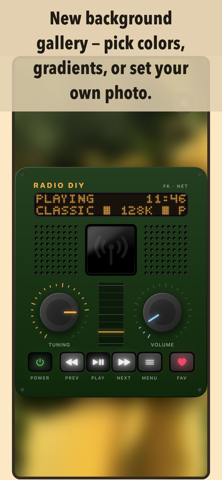
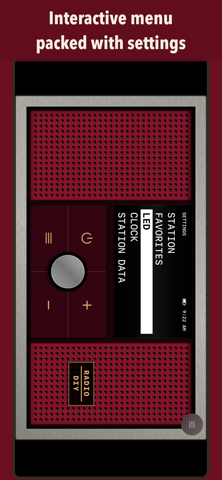
DIY (short for "Do It Yourself") turns your phone into a real internet radio - with knobs, buttons, a retro dot-matrix display (with a genuine interactive menu!), instead of just another station list in the widely available internet radio apps.
Available on iPhone, iPad and Mac (as an iPhone app)
🆕 What's new in version 1.7 →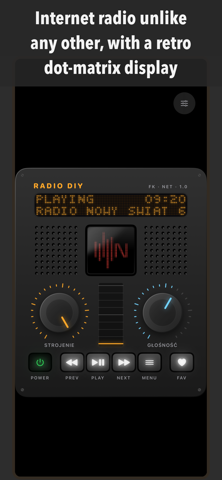
This nostalgic journey with a radio receiver in your pocket is just getting started...
Radio DIY on YouTubeTens of thousands of stations from the open radio-browser.info directory. Search stations by name or find the ones broadcasting near you, within a radius you choose.
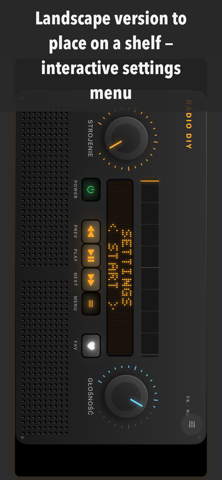
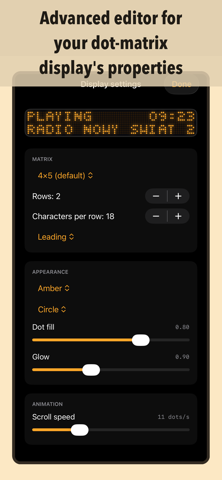
A dot-matrix display with scrolling text and a clock. You change settings with the knobs and buttons, right on the display, just like on a real clock radio. Color, brightness and dot shape are yours to tweak.
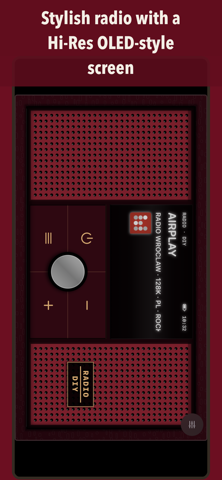
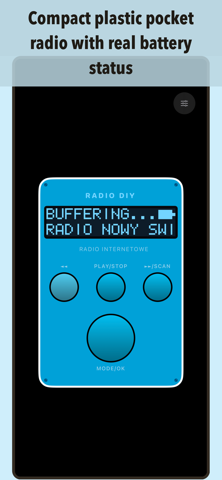
The Classic radio in portrait and shelf versions, Cherry Stereo with an OLED-style screen, a pocket radio with real battery status and Radio Memory with preset buttons. More cases in upcoming versions.
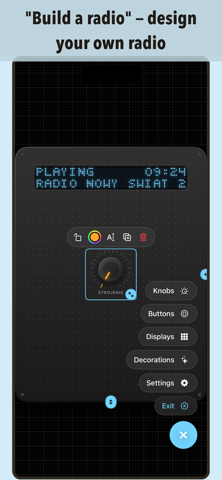
A built-in editor where you build your own radio piece by piece: knobs, buttons, displays, decorations and preset buttons 1-9. Your finished radio works just like any other.
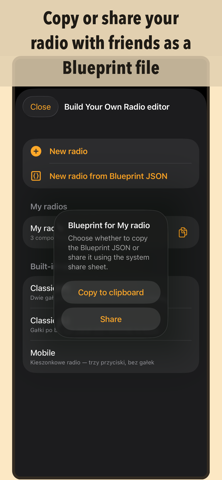
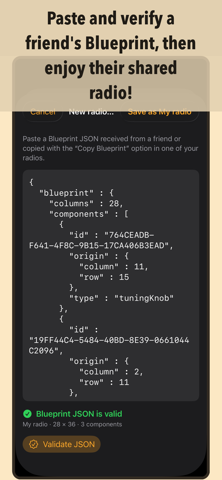
Every radio you build can be saved as a Blueprint (JSON). Copy or share it, and your friend pastes it into the app, verifies it and starts listening right away.
Colors, gradients or your own photo, even one sent to the app from the system share sheet. The background can even be the logo of the station that's playing.
Save your favorite stations and jump to them with the FAV button. Preset buttons work like on an old radio: hold a number to store a station, tap it to tune in.
Set a daily alarm straight from the radio menu, or let the radio switch itself off after the time you choose.
Listen in the background, send audio to AirPlay speakers and control your favorite stations in the car. Radio DIY also runs on your watch and your TV.
No ads, no analytics and no account needed. Your favorites, settings and custom radios stay on your device. Premium (the editor, extra cases and decorations, unlimited favorites) is optional.