 falkowski.pm
Open and preview any file - even one the system can't handle natively. A quick look at its contents, with no extra apps to install.

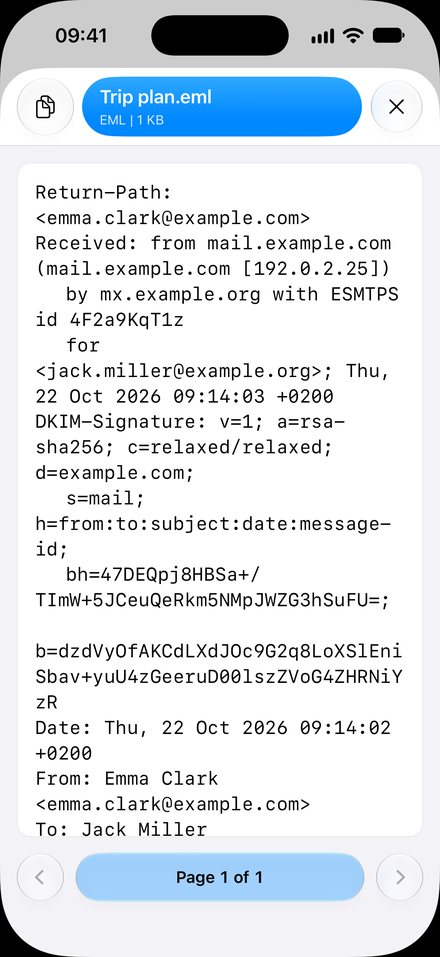
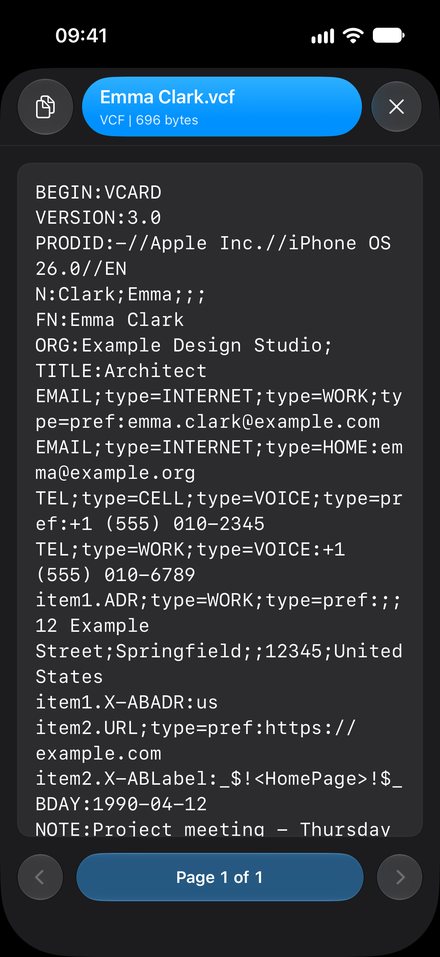
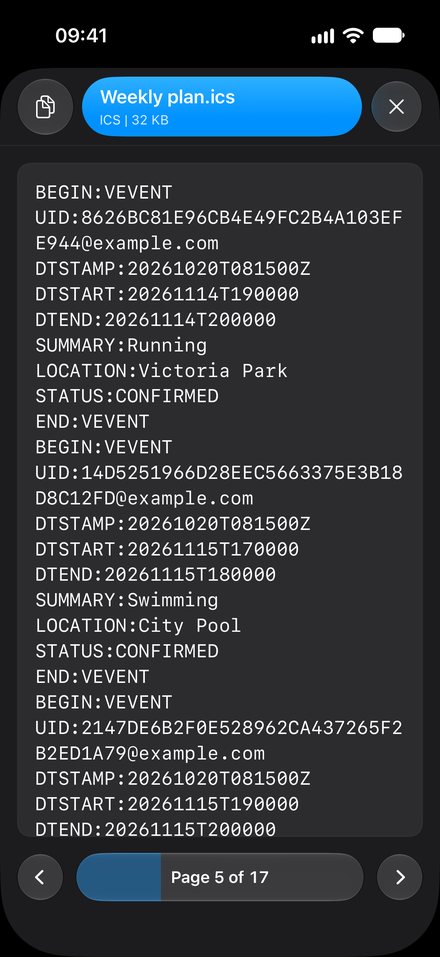
Hold an email in Mail, drag it onto the big button and its raw content opens right away: headers, encoding and attachments.
EML, VCF, ICS, JSON, XML, GPX, logs, even files with no extension - all shown as text (UTF-8 or Latin-1).
Check a suspicious email or attachment before you open it anywhere else. Nothing is run or rendered, you only see the raw text.
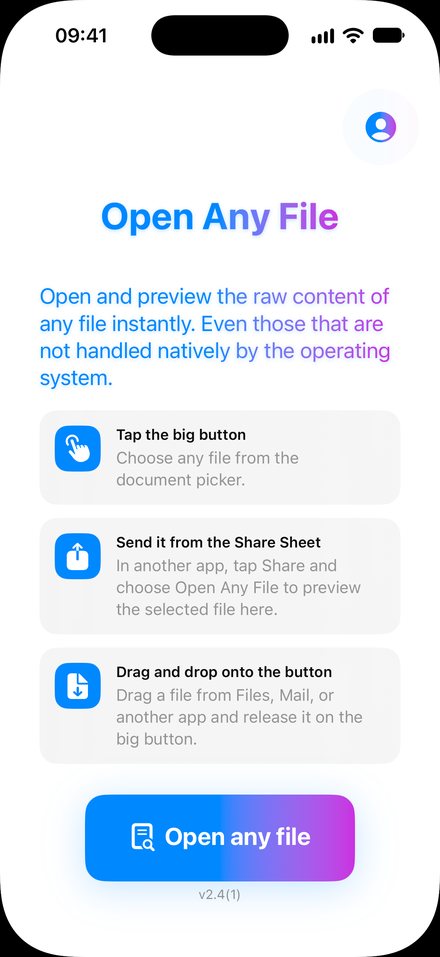
The big button and the document picker, the Share Sheet in another app, or dragging a file from Files or Mail.
Big files are split into pages. A glass bar shows where you are - drag it to jump to any page.
Select any fragment of the text, or copy the whole file to the clipboard with a single tap (up to 5 MB).
Files are read only on your device. No account, no ads, no tracking.